
Free
Try Ply + Vel on a real project
$0
About 3 Verified Renders, once
30 one-time promotional credits †
Private beta · The render system for architects
Tell Ply what to change and what to keep. On a Verified Render, Vel reviews the result against your approved image, and every completed render comes with a signed receipt.
Invite-only. In your browser, nothing to install.
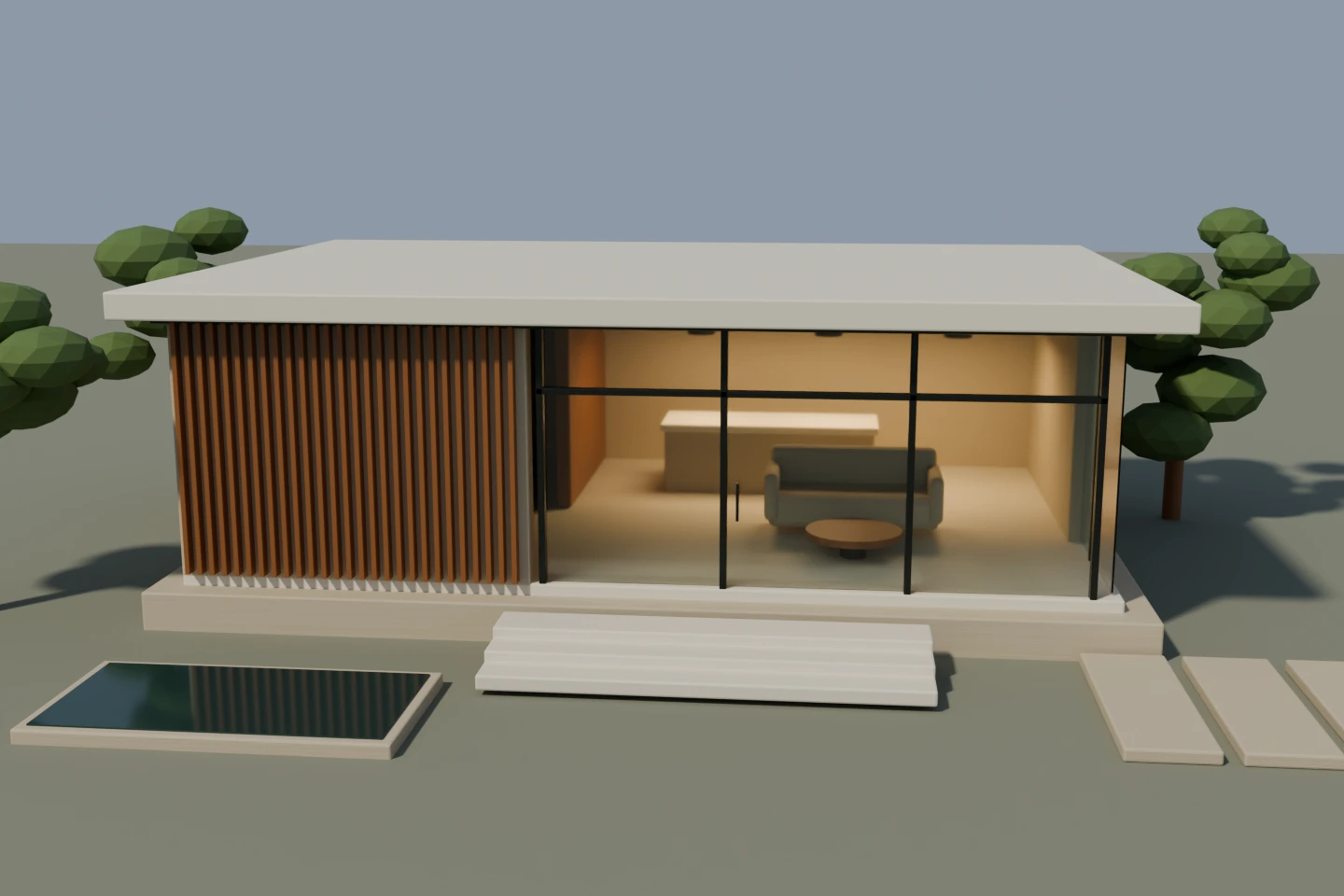
The approved image. The included pavilion, rendered by Plyvel from its model at day. Every render of this view starts from it.
The included pavilion, rendered by Plyvel from its model; its numbers are its own measured checks. Not a client project. A rendered or edited image of an architect’s design; not a photograph; not a certification of the built work.
You stay the owner of the design: you choose what to change and what to keep, and you decide what happens when Vel cannot decide.
Describe the change in plain architectural words: what to change, where, and what to keep.
Ply, the render agent, makes the render from your approved image and the elements you protected.
Vel, the reviewer, compares the result with your approved image and your request. It does not edit the image.
Works in the beta
Still being finished
Until they land, a render in the beta returns your source image unchanged, and Vel is a stand-in reviewer that answers from a fixed script: its decisions there say nothing about the image. Credits there are test credits.
On a Verified Render, Vel checks the elements you kept against your approved image. Its checks are visual, not measurements.
The viewpoint and the framing of your approved image.
The volumes of the building, as designed.
Windows and doors: their size and their place.
That the change you asked for was made, where you asked.
Faults the render itself added, such as a smear or a repeated detail.
PROVISIONAL. Mark an area to keep on the approved source: the request and the receipt record it, but Vel does not check regions yet.
A receipt, not a certificate.
Every completed render comes with a signed Render Receipt: the request, what you kept, what Vel found and the file delivered. Anyone can check that it has not been changed.
This receipt records Plyvel’s visual checks. It is not structural, engineering, building-code, construction, or dimensional certification.
StateVEL VERIFIED
Signature Ed25519 · Check the signature · Check the file
Approved by you · 15 Oct 10:16
This receipt records Plyvel’s visual checks. It is not structural, engineering, building-code, construction, or dimensional certification.
One request: the change, what it applies to, what to make it, and what to keep.
Every paid plan includes Ply and Vel. Pro, for architects who render every week: $29 a month, about 20 Verified Renders. Plans open after the beta.
Try Ply + Vel on a real project
$0
About 3 Verified Renders, once
30 one-time promotional credits †
For occasional rendering
$9/ month
About 5 Verified Renders a month
50 credits a month
For architects who render every week
$29/ month
About 20 Verified Renders a month
200 credits a month
For small practices
$79/ month
About 60 Verified Renders a month
600 credits a month
† Eligible new users can receive 30 one-time promotional credits. No card required. Offered only while the promotion is on, once per eligible new account, under Plyvel’s anti-abuse policy; a new email address does not mean another grant.
A hand-run CHECK compares your render with its reference image, on the founder’s computer in Iraq. A studio’s first CHECK job is free for up to 3 pairs; further pairs are quoted per pair.
Apply for the beta with your own project. Ply makes the change, and Vel checks what should stay untouched.
By invitation. Apply with a few lines about your work; an invited account signs in with an email link. Buying credits is not open yet: credits are added by Plyvel during the beta.
Email sign-in, projects and views, uploads, render requests and signed receipts. Ply’s render engine and Vel’s review are still being finished: until they land, a render returns your source image unchanged, and Vel is a stand-in reviewer that answers from a fixed script.
Ply makes only the change you ask for, from your approved image, and the elements you keep are written on the receipt. On a Verified Render, Vel checks them. Protection is a request and a check, not a promise: compare the result yourself before you use it.
No. This receipt records Plyvel’s visual checks. It is not structural, engineering, building-code, construction, or dimensional certification.
In private storage. In the app, only members of your workspace can open them, each through a signed link that expires after a few minutes.
A separate service, available today: your render compared with its reference image, on the founder’s computer in Iraq, with a receipt that states what was measured and what was not. A studio’s first CHECK job is free for up to 3 pairs.
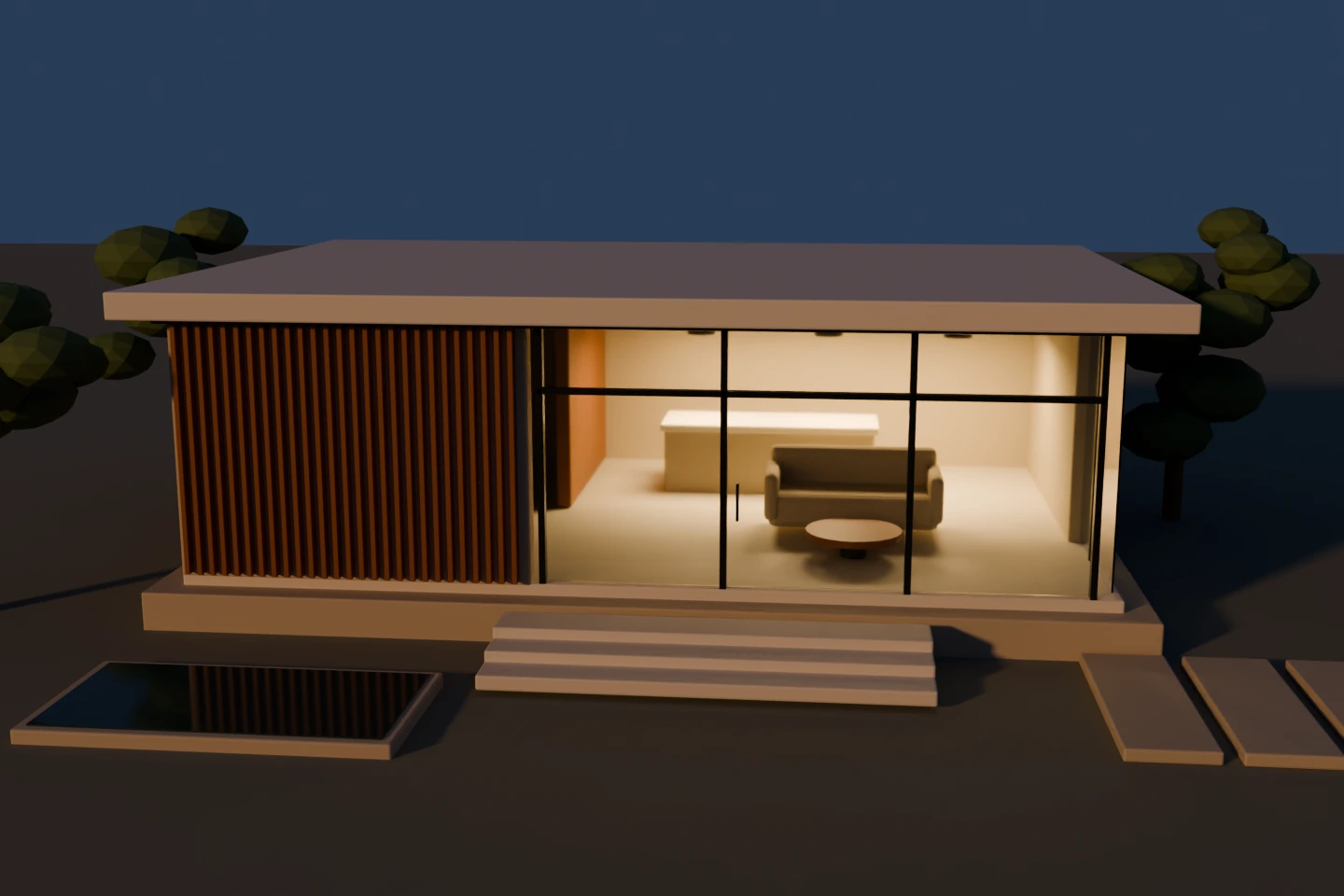
The included pavilion, rendered by Plyvel from its model. Not a client project, not a photograph.
Describe the change in plain architectural words: what to change, where, and what to keep.
Ply, the render agent, makes the render from your approved image and the elements you protected.
Vel, the reviewer, compares the result with your approved image and your request. It does not edit the image.
Render ReceiptExample
This receipt records Plyvel’s visual checks. It is not structural, engineering, building-code, construction, or dimensional certification.
In the beta today: email sign-in, projects, uploads, render requests and signed receipts. Ply’s render engine and Vel’s review are still being finished: until they land, a render returns your source image unchanged, and Vel is a stand-in reviewer that answers from a fixed script.